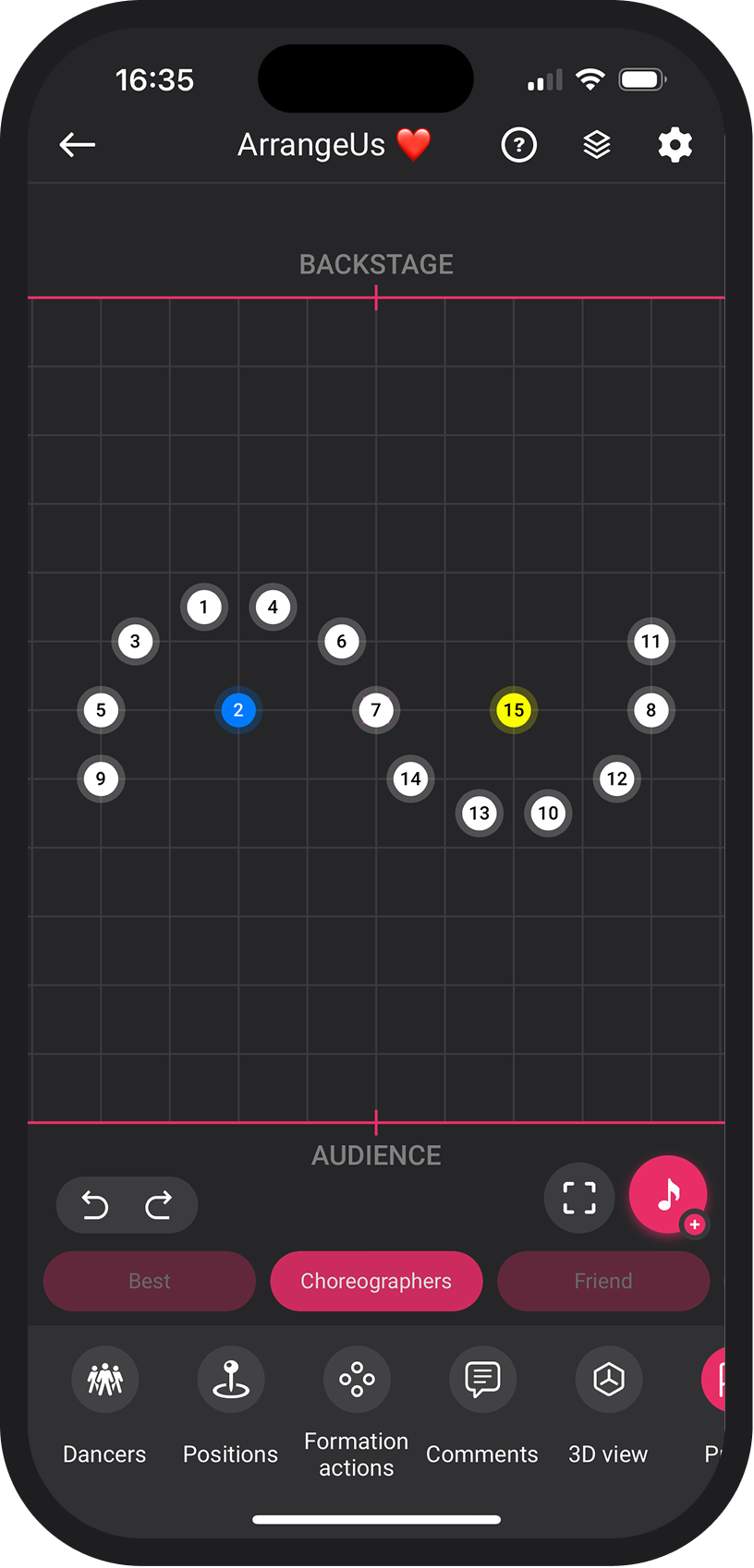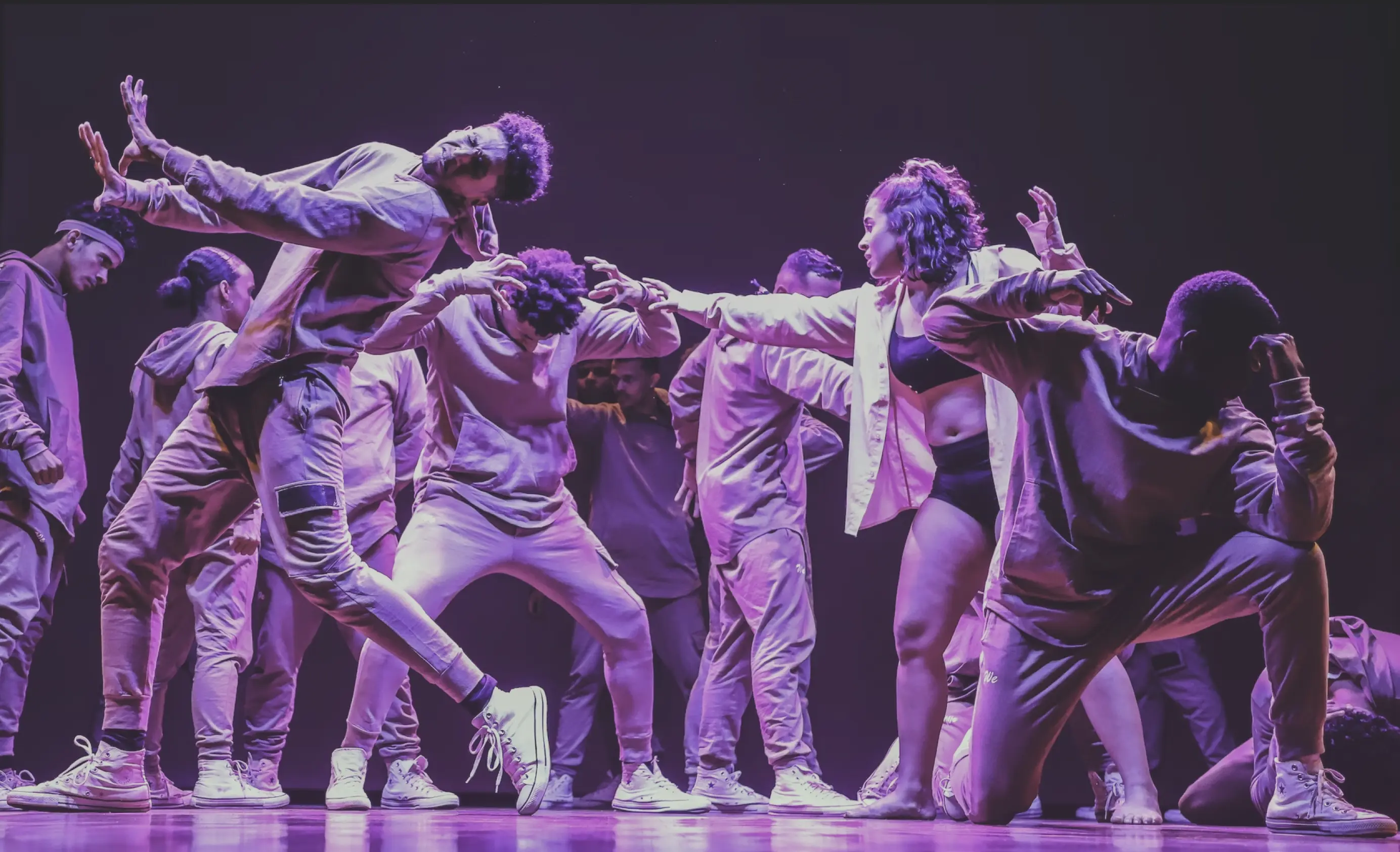


App Screenshot
1M+ Downloads Worldwide Makes Formation Easy

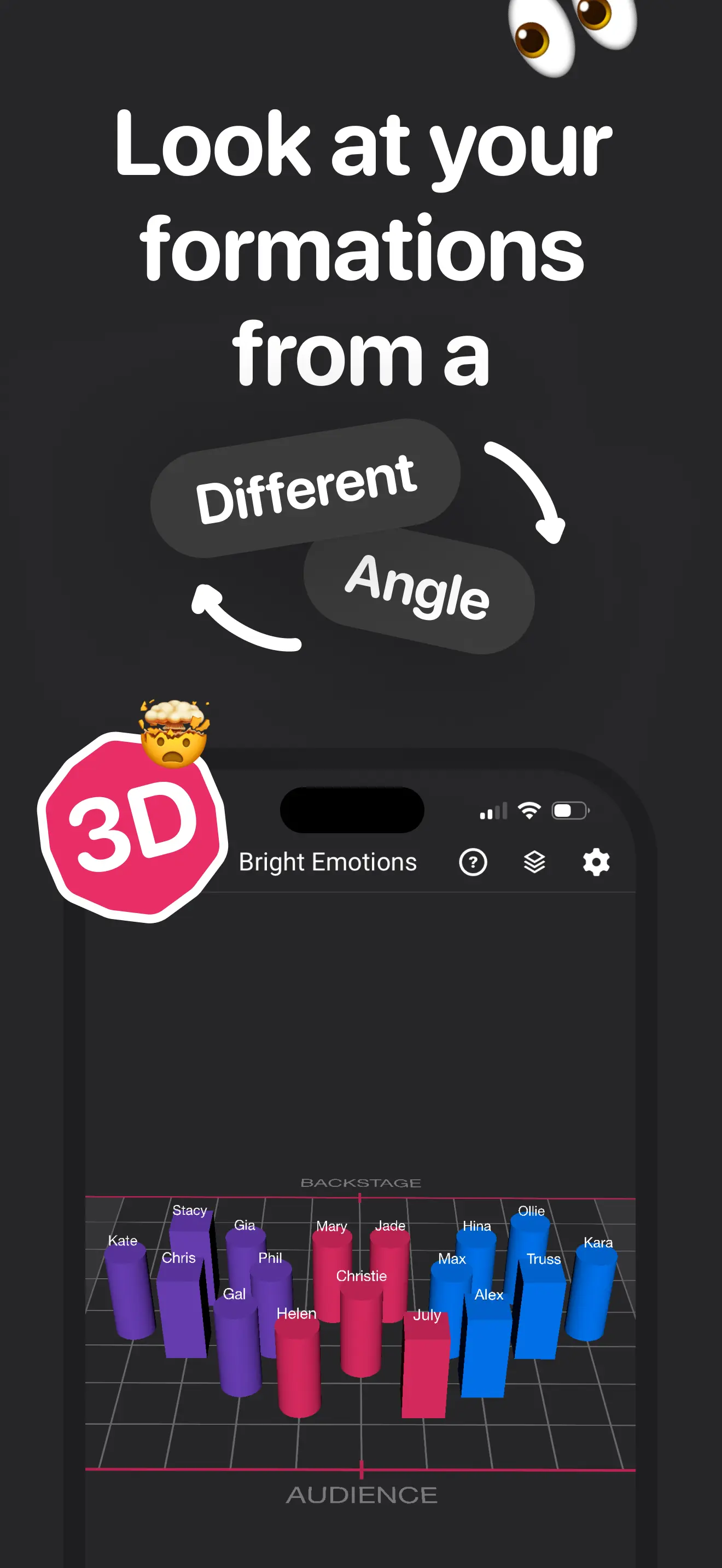
2D & 3D Views

Switch between views to visualize formations from every angle. See the big picture or dive into the details.

Sync with Music

Perfect timing for your choreography. Synchronize every movement with your music tracks for a flawless performance.

Dancers Customization

Style your dancers to match your vision. Assign names, colors, and specific attributes to keep your team organized.

Stage Props

Add props to your stage for realistic planning. Visualize how objects interact with your dancers and formations.

Formation Comments

Add notes and details to every formation. Ensure everyone knows exactly what to do and when.

Custom Backgrounds

Set the scene with your own backgrounds. Import images to simulate the actual venue or create a specific mood.

Organize Choreographies

Keep your projects structured and accessible. Manage multiple choreographies with ease.

Share Choreographies

Collaborate and share your work with ease. Send your formations to dancers or colleagues instantly.
Frequently Asked Questions

Everything you need to know about ArrangeUs. For detailed guides and how-tos, visit our tutorials page. Can't find the answer you're looking for? Reach out to us.

Is ArrangeUs free to use?
Yes - ArrangeUs is free to download and use. Create choreographies, move and style dancers, build formations, and export to PDF without spending anything. Premium adds Music Mode, unlimited choreographies, props, crews, custom stage backgrounds, and more - with a free trial to explore it all first.
Is there a way to log in and sync my data across devices?
You can transfer your choreographies between devices using the built-in backup system - it's quick and keeps everything intact. Full cross-device sync with user accounts is coming soon, and we can't wait to release it.
What apps can I use to share an ArrangeUs file?
Any app that can send a file attachment works - WhatsApp, Telegram, Google Drive, Dropbox, email, or AirDrop when you're in the same room. The recipient taps the file to open it directly in ArrangeUs.

If you're using Apple Messages, don't tap the file in the chat itself - it won't open in ArrangeUs. Instead, tap the contact name at the top to open chat details, scroll to the Documents section, and open the file from there.

Can I collaborate on a choreography with my colleagues?
Sharing a choreography file directly with a colleague works great today - they can open it, make changes, and send it back. Real-time collaboration is coming soon and we can't wait to share it.
Can I get ArrangeUs on my computer?
ArrangeUs is built for mobile first - so your choreographies are always with you and ready to edit on the go. On Macs with Apple M1 or later you can also download it directly from the Mac App Store. On Windows, ArrangeUs can be run via an Android emulator. A dedicated web version is in the works for the future.
How do I restore my purchase on a new device?
Sign in with the same Apple ID or Google account you used to purchase Premium, open ArrangeUs, and tap Already paid? on the paywall screen. The app will verify your subscription and unlock Premium at no extra charge.
My music won't play on Mac - how do I fix it?
On Mac, the audio file needs to be saved in a local folder - not a cloud-only location like iCloud Drive. Move the file to a local folder first, then re-import it into ArrangeUs from there.
How do I change the music track in my choreography?
Open your choreography and use Settings › Change music from the bottom actions bar to pick a different track. Your existing formation timestamps are kept when you switch.
How many dancers can I add?
The free plan supports up to 60 dancers per choreography. Premium raises that to 100. If you're working with a larger cast, reach out to us and we'll help you out.

Still have questions? Contact us and we'll be happy to help.

Create formations like a pro

Download for free and bring your ideas to life today.

ArrangeUs App